


Banking maths, done in seconds

Free EMI, eligibility, deposit, GST and IFSC tools for borrowers, savers and bank back-office teams. No sign-up; everything runs in your browser.

Browse tools
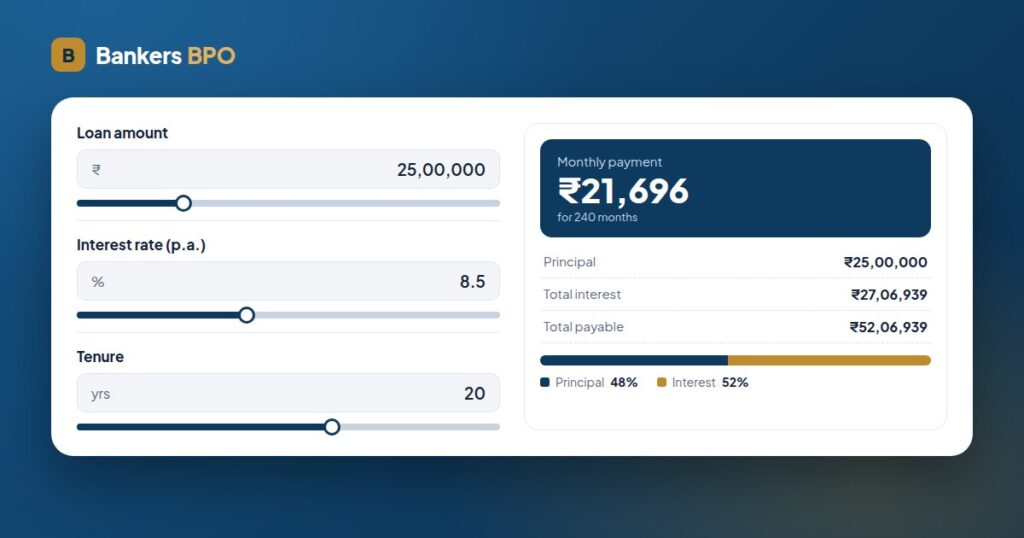
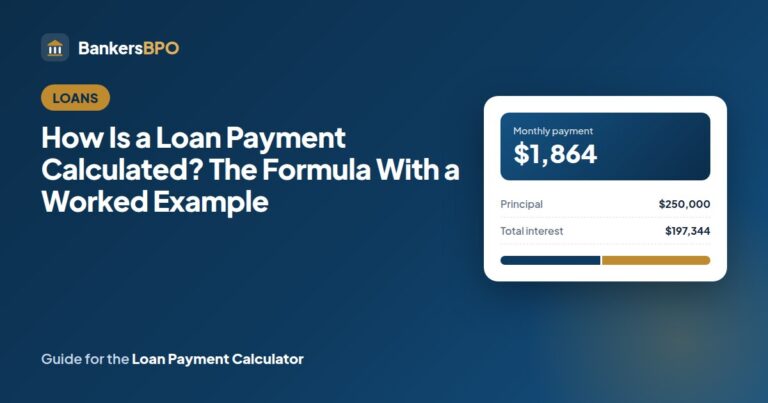
Bankers BPO EMI calculator showing a monthly payment and the principal-to-interest split

Tools

Features

Runs in your browser

The maths happens on your device. Nothing you type is uploaded or stored, and the IFSC lookup is the only tool that calls a server.

Indian loan rules built in

FOIR limits, flat-rate quotes, quarterly RD compounding, the ₹1.5 lakh PPF cap and the CGST/SGST split are already in the tools.

Results as you type

Move a slider and the EMI, schedule or maturity value updates at once, with a table you can download as CSV.

Seven languages, local rules

Spanish, Portuguese, French, German, Arabic and Italian versions use their own currency, VAT rates, IBAN and tax-ID formats.

Why use Bankers BPO tools

Made by people who process loan files

Bankers BPO handles loan documentation and verification for lenders and loan agents. The calculators use the same formulas and limits that appear in sanction letters.

The formula is on the page

Each tool states how it gets its answer, so you can check a bank’s figure instead of taking it on trust.

Guides behind every tool

Two guides per tool explain the maths with worked examples and walk through the decision the tool is meant to help with.

How to use a tool

  1. Pick a tool. Use the search box above or the category chips to find the calculator you need.
  2. Enter your numbers. Drag the sliders or type the amount, rate and tenure from your loan offer or deposit slip.
  3. Read the result. The headline figure comes first, then the breakdown, the split bar and any notes on tax or charges.
  4. Keep it. Download the schedule as CSV, copy the figures, or open the guide linked under the tool for the full explanation.
FAQs

Are the calculators free to use?

Yes. Every tool on this site is free, with no account, download or limit on how often you use it. Bankers BPO earns its revenue from back-office services to lenders, so the tools stay free.

Is my data stored when I use a tool?

No. The calculators run in your browser and nothing you type is sent to our server. The one exception is the IFSC finder, which sends the code you enter to Razorpay’s open IFSC directory to fetch the branch details. The contact form is separate and only emails us what you write in it.

How is the EMI calculated?

With the reducing-balance formula used by Indian banks: EMI = P × r × (1 + r)^n ÷ ((1 + r)^n − 1), where r is the yearly rate divided by 1,200 and n is the number of months. The EMI calculator shows the total interest and the split.

Why is my bank’s eligibility figure different from the calculator’s?

The eligibility calculator applies a FOIR limit to your income. Banks also apply their own rate, a maximum age at loan end, a property value cap for home loans and a credit score check, and they may count rent or credit card dues as obligations. Treat the result as a starting estimate.

Should I reduce the EMI or the tenure when I prepay?

Reducing the tenure saves more interest because the same EMI keeps paying down principal faster. Reducing the EMI frees cash each month. The prepayment calculator shows both on your numbers.

Are FD, RD and PPF results before or after tax?

Before tax. FD and RD interest is added to your income and taxed at your slab rate, with TDS deducted by the bank above the yearly threshold. PPF is exempt at every stage. The results also assume the rate stays the same for the whole term, which is true for an FD but not for PPF, whose rate is reset every quarter.

What is the difference between a flat rate and a reducing rate?

A flat rate charges interest on the original loan amount for the whole tenure; a reducing rate charges it only on what you still owe. A flat quote therefore costs much more than the same number quoted as a reducing rate. The flat vs reducing calculator converts one to the other.

Do the tools work in other countries?

The English site is built for India. The Spanish, Portuguese, French, German, Arabic and Italian versions, reachable from the language menu, use the euro or dirham, that country’s VAT rates, IBAN validation and the national tax-ID formats (NIF, SIREN, USt-IdNr, Partita IVA, TRN). The guides are in English only.